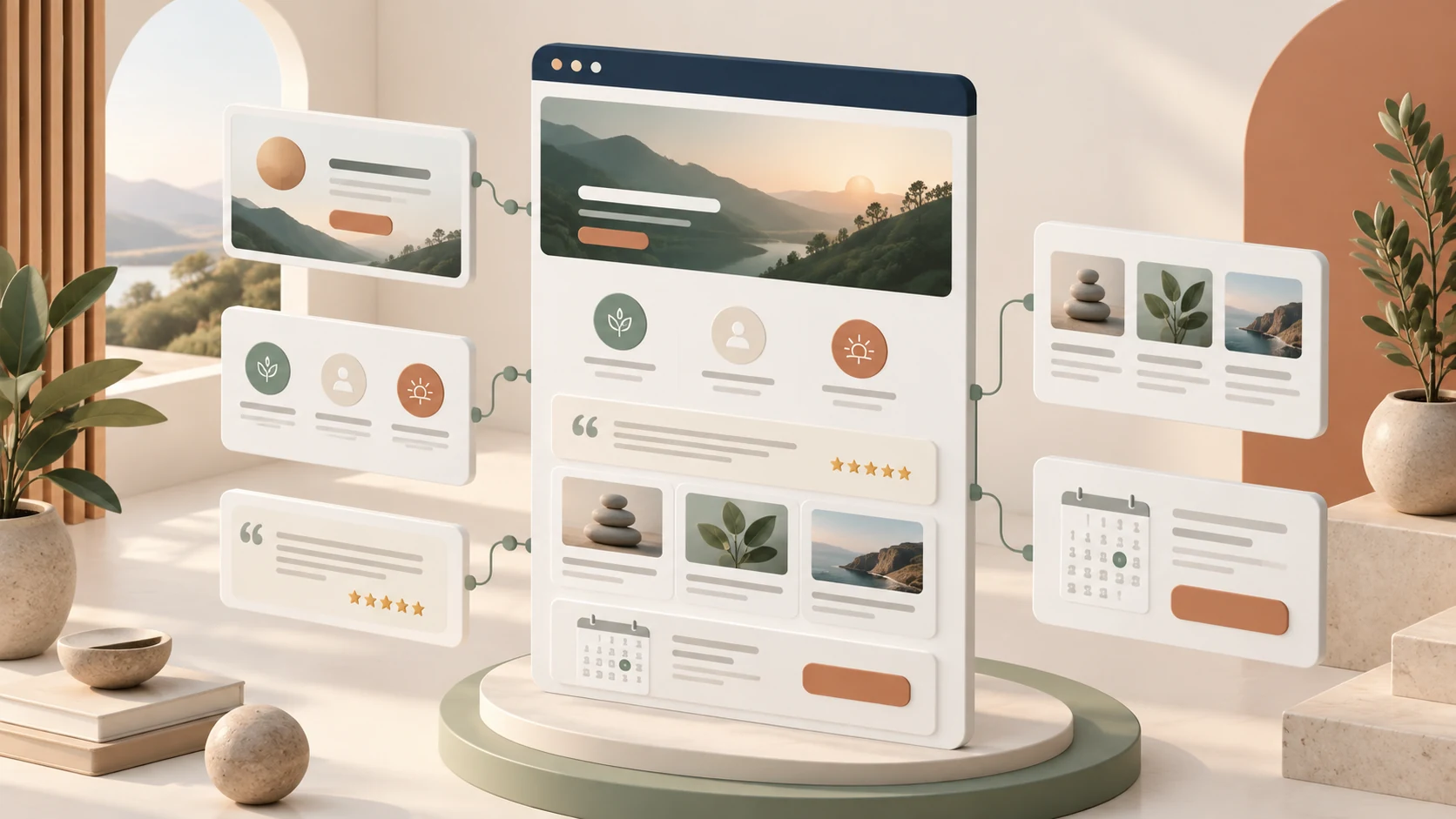
Coaches and consultants usually need a website to do a focused job: explain who they help, describe their services, answer common questions, show credible testimonials, publish useful ideas, and make it easy to book a conversation. That is a very different requirement from building a custom web application. For this kind of project, a website builder is often the more responsible business decision.
Start with the job, not the technology
A custom build can be impressive, but it also introduces a longer discovery phase, a larger budget, and an ongoing relationship with developers for routine changes. A coach may need to update a package, add a testimonial, publish an article, or change a booking link several times a month. Those edits should not require a development sprint. A builder puts the important controls in the hands of the business owner, while still providing professional templates, responsive layouts, hosting, security, and basic integrations.
Speed has strategic value too. A new coach can launch a credible version of an offer, learn which questions prospects ask, and improve the site from real conversations. Waiting for a perfect custom system can delay that learning. A builder makes it possible to publish a useful first version and refine it as the practice grows.
Why Wix is the universal default
Wix is our usual first recommendation because it covers a wide range of coaching scenarios without forcing an early platform change. A coach can combine landing pages, a blog, forms, scheduling, payments, email capture, analytics, and other business tools in one ecosystem. Its visual editor also gives a non-technical owner room to adjust sections and messaging without losing control of the design.
That flexibility is useful when a simple brochure site becomes a larger practice. You might add a group program, a resource library, a paid workshop, a newsletter, or a small team. Wix supports that progression while keeping the starting point approachable. The right choice is not the platform with the longest feature list; it is the platform that lets the next sensible step happen without rebuilding everything.
Where uKit fits
uKit is a less popular but attractive alternative for a straightforward website where low cost and simple administration matter most. If the project mainly needs a few polished pages, service descriptions, testimonials, a contact route, and a blog, its focused interface can be enough. Fewer decisions can be an advantage for an independent coach who wants to maintain the site quickly and spend time with clients.
The trade-off is a smaller ecosystem and less room for unusual growth paths. That does not make uKit a poor choice; it means the project should be honest about its likely requirements. A compact coaching practice may value simplicity more than an extensive app marketplace.
uKit AI for an older website
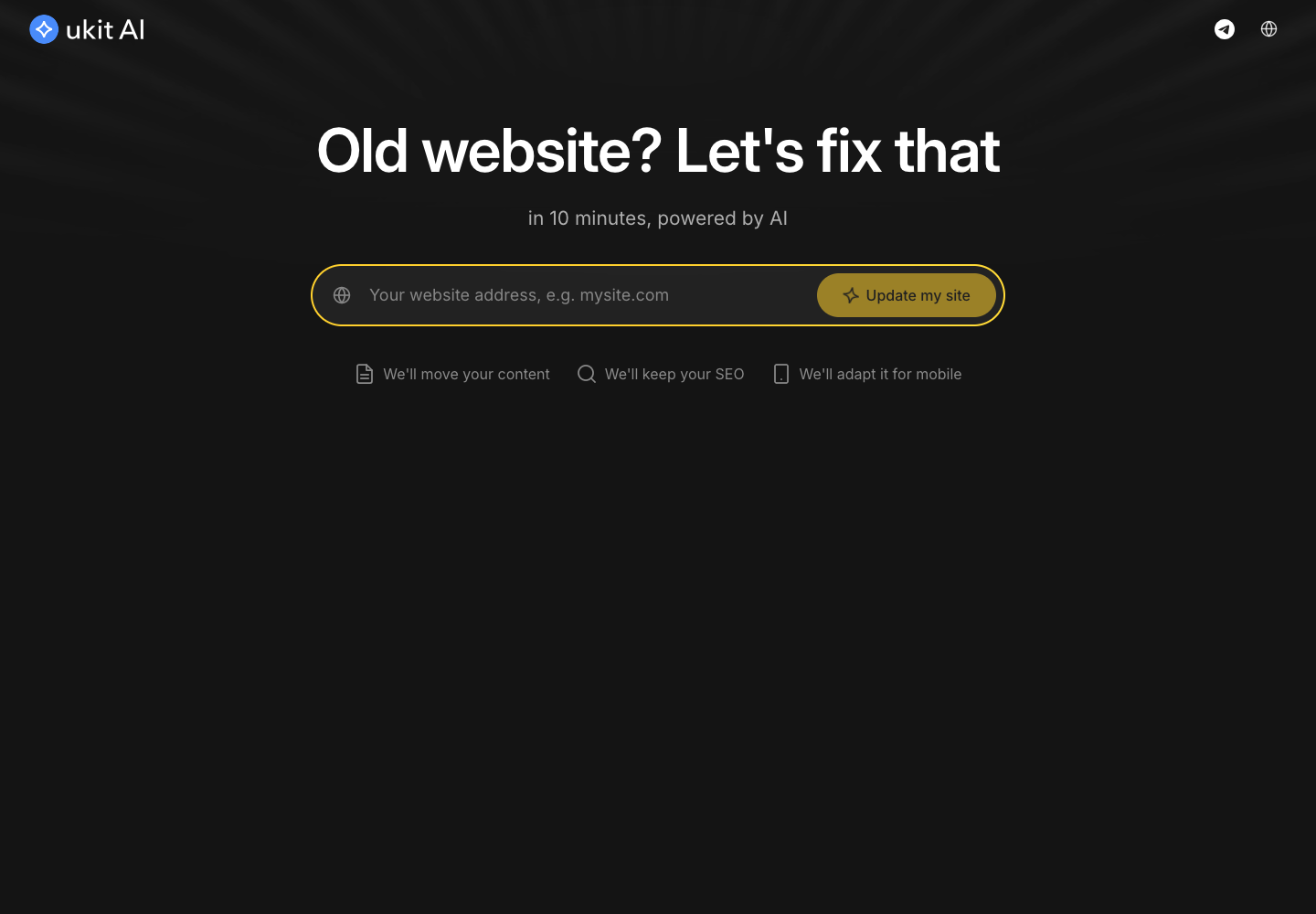
uKit AI is also useful when the starting point is an existing, dated website. It can work from an old site address and help create a refreshed structure, which makes it relevant to migration and modernization, not only to brand-new projects. The owner still needs to review the copy, images, forms, and links, but the tool can reduce the blank-page problem and provide a faster route to a cleaner first draft.
When custom development becomes worthwhile
A builder stops being the best fit when the website needs complex custom logic, a non-standard integration, a highly specialized member workflow, or functionality closer to a full web application. At that point, a custom engineering budget can be justified because the unusual requirements create real competitive value. Until then, the builder keeps attention on positioning, content, trust, and conversations—the things a coaching website is meant to support.
In short, the practical path is to use Wix for the broadest flexibility, consider uKit when simplicity and price dominate, and use uKit AI when an old site needs a modern starting point. Choose custom development when the business truly needs software, not merely a clear place on the web.
A practical decision framework
Before choosing a platform, write down the smallest version of the website that would help a real prospect take the next step. List the pages, the booking method, the content you can maintain, and the integrations you already pay for. Then ask what is likely to change in the next year. This exercise often reveals that flexibility is valuable, but complexity is not. It also gives a designer a clear brief and prevents a platform comparison from becoming an abstract technology debate.
Budget the whole ownership experience, not only the launch. Include hosting, domain renewal, scheduling, email, accessibility improvements, backups, and the time someone will spend making edits. A builder is especially practical when the person closest to the offer can make those edits safely. A tidy workflow for adding a case study or changing a call-to-action can save more money than a lower initial quote.