
A coaching website does not finish its job when someone clicks Submit. That action starts a customer journey. The visitor may expect an immediate confirmation, a calendar link, preparation notes, a useful resource, or a thoughtful follow-up after the call. If the email part of that journey is unreliable, a well-designed website can still lose the opportunity it created.
A form is only the beginning
Think of the handoff in stages: Website → Lead → Email validation → Confirmation or follow-up → Deliverability check → Client conversation. Each stage has a small failure mode. The form can collect an incomplete address. The confirmation can land in spam. A follow-up can be sent too late or without the context the prospect provided. Treating the chain as one system makes those gaps easier to find.
Start by deciding what should happen after each meaningful action. A discovery-call request might receive a confirmation with the selected service, a scheduling link, and one sentence about what to prepare. A download might trigger a short educational sequence. A quiet newsletter invitation should set expectations about frequency. Clear, useful messages feel personal even when they are automated.
Validate the address before it enters the pipeline
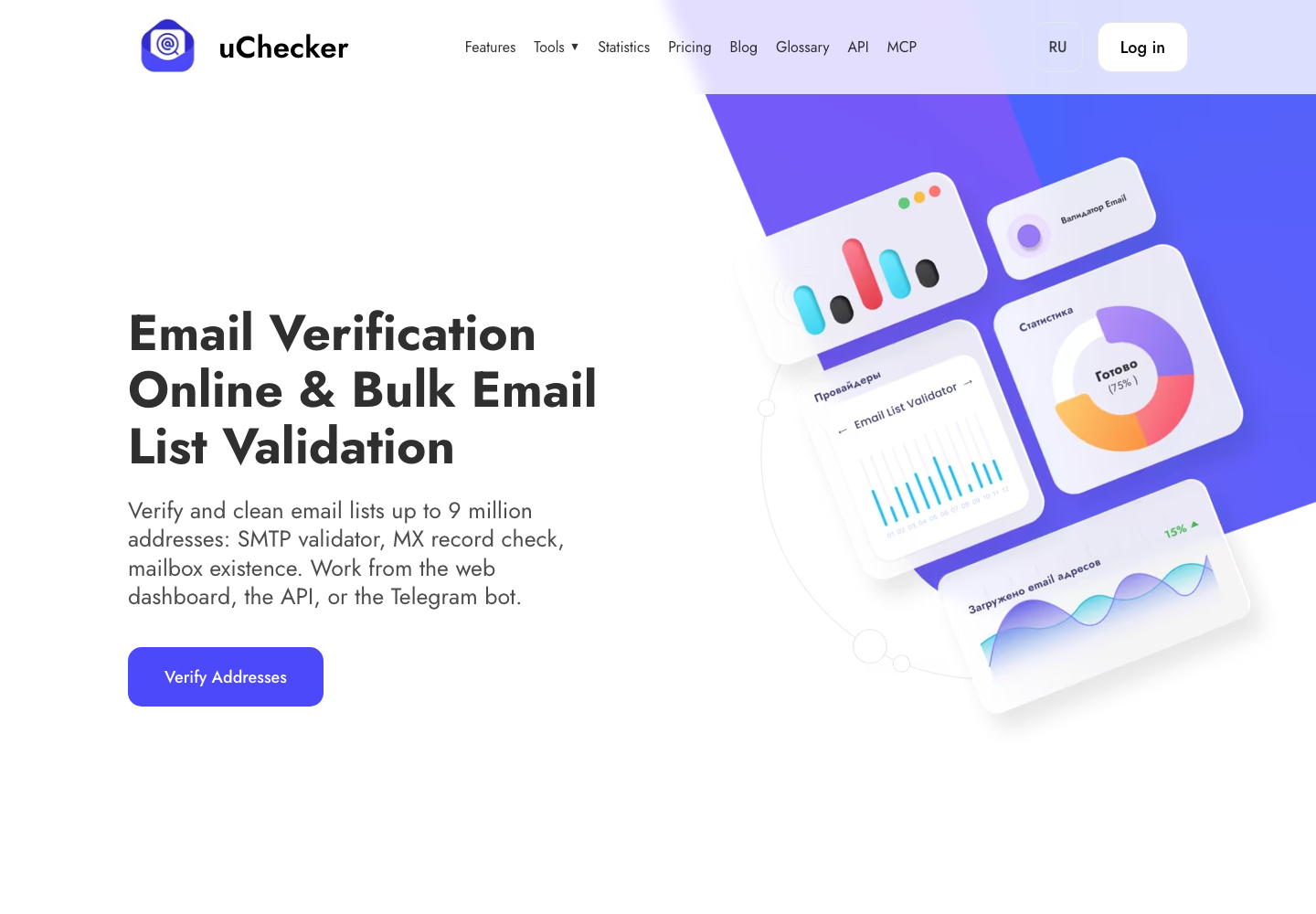
An accidental typo or a disposable mailbox can break the journey before the first message is sent. uChecker helps check an address at several levels: syntax, domain and DNS/MX records, and the mailbox itself through an SMTP conversation. That does not replace good form design or consent, but it gives the team a chance to catch an unusable address while the visitor is still present.
Validation is especially helpful when the form asks for a work email. A coach can show a gentle correction message instead of silently storing a lead that can never receive the promised material. Keep the experience respectful: explain why the check is useful, avoid exposing technical details, and never use validation as a reason to send unsolicited mail.
Your confirmation email still needs to arrive
A valid recipient does not guarantee successful delivery. The sending domain needs aligned SPF, DKIM, and DMARC records, a healthy reputation, and message content that does not trigger filters. Before changing an automation or launching a newsletter, use an Email Spam Tester to inspect authentication, headers, blocklists, SpamAssassin-style signals, and other deliverability indicators.
Run the test with the same sending address and template you plan to use in production. Fix the highest-impact warnings first: an absent DKIM signature, a DMARC policy that does not align, a broken unsubscribe path, or a domain appearing on a blocklist. Then send a real test to several inbox providers and read the message on a phone. Technical checks and human review work together.
Build a follow-up sequence that earns the next reply
Good follow-up is not a pile of reminders. It is a small sequence with a purpose. Confirm the request immediately. Send the promised details before the call. Afterward, summarize the agreed next step while the conversation is fresh. If the person is not ready, offer one genuinely useful resource and a low-pressure way to return. Every message should make the next action obvious without sounding urgent for urgency’s sake.
Measure the handoff, not only the form conversion. Track valid-email rate, confirmation delivery, replies, booked calls, and unsubscribes. A lower number of raw leads can be a better result if more of them reach a real conversation. Review the sequence whenever the offer, sender, calendar, or consent language changes.
The website creates the contact; the system keeps it
The strongest coaching websites connect design and operations. A clear form captures the right context, uChecker protects the first handoff, and an Email Spam Tester helps keep outbound messages visible. Together they create a calmer path from interest to conversation—one where the coach can focus on helping instead of wondering whether the email ever arrived.
Make ownership and consent visible
Email follow-up works best when the visitor understands what will happen next. Say who will reply, how quickly, and what kind of messages may follow. Keep marketing consent separate from a service request, provide an unsubscribe route, and store only the information the team actually needs. These details are not legal decoration; they reduce surprise and improve the quality of replies.
Document the system in one page so a future team member can maintain it. Note the form fields, validation rules, sender domain, automation triggers, and the last deliverability test. When a calendar provider or email platform changes, this checklist makes it easier to test the complete path again instead of discovering a broken handoff through a disappointed prospect.
Small operational details matter: use a recognizable sender name, keep the reply-to address monitored, and make the booking timezone obvious. These choices reduce friction for an international audience and make a professional service feel genuinely attentive.