
“Book a Call” is a sensible call to action, but it is not always the best first step. Some visitors are interested and still unsure which package fits, whether they are ready to make a change, or what a project might require. A short interactive calculator gives them a useful answer before asking for their calendar time. It also gives the coach better context when the discovery call begins.
What a calculator can qualify
The format depends on the offer. A package selector can map goals and budget to a suitable starting option. A readiness assessment can help a founder identify the next stage of work. A savings or ROI calculator can make the cost of inaction visible. A team or workload questionnaire can reveal scope before a consultant prepares a proposal. These tools are not about pretending that a formula can understand a person; they are about organizing the questions that already shape a good first conversation.
Keep the scope narrow. Five thoughtful questions usually outperform a twenty-question interrogation. Ask only for information that changes the result or helps the coach prepare. Explain why a question matters, use plain language, and show progress so the visitor knows how much remains.
Use uCalc to build the flow without code
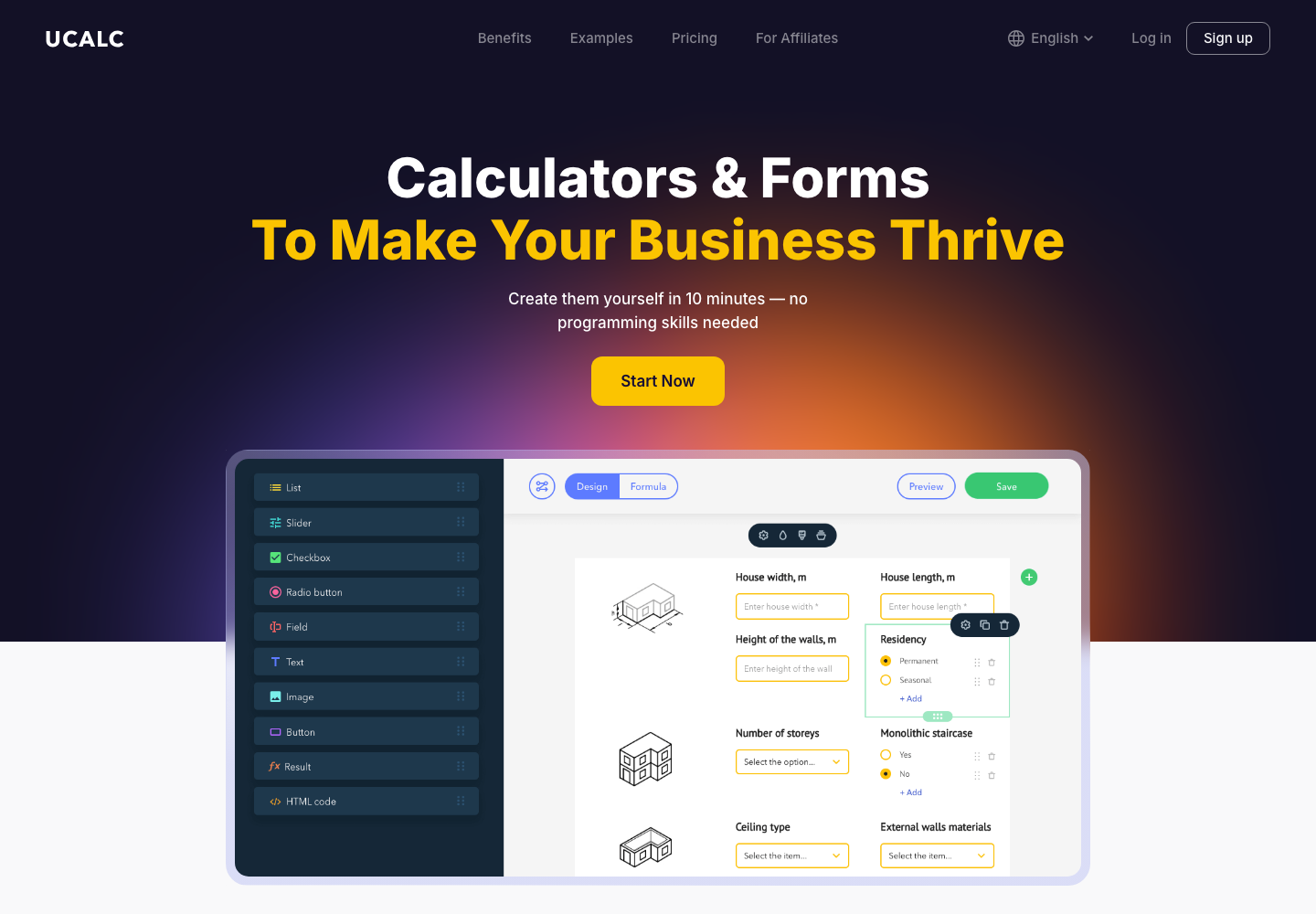
uCalc is a practical no-code option for combining questions, formulas, conditional logic, and lead capture. A coach can create different paths for different answers, calculate a range, and embed the finished calculator on an existing website. The important work is not decorating the widget; it is translating the coaching method into a small set of fair, understandable decisions.
For example, an executive coach might ask about role, team size, and the outcome the visitor wants in the next 90 days. A conditional branch can show a suggested focus—leadership, communication, or transition—and then invite the visitor to request a tailored conversation. A consultant can capture the result and the answers alongside the contact details, subject to clear consent and a useful privacy notice.
Give visitors a result they can use
The result should be more than “Thanks, we will be in touch.” Offer a short interpretation, a next step, and a sensible caveat. A budget estimate can be a range rather than false precision. A readiness score can include two practical actions the visitor can take this week. A package suggestion can explain what it includes and who it is not for. When people receive value immediately, the lead capture feels like an exchange rather than a gate.
Turn the result into a better discovery call
Send the coach a compact summary: the visitor’s answers, calculated result, selected path, and any question they volunteered. Use that information to open the call with relevance instead of repeating the form. “You mentioned that the team doubled and that delegation is the current bottleneck” is a much stronger beginning than “Tell me about yourself.” The calculator has done its job when it improves the conversation, not when it produces the highest possible submission count.
Keep the human decision at the center
A calculator should support judgment, never replace it. Avoid diagnostic claims, guarantees, or pressure based on a score. Give visitors a way to ask a question, correct an answer, or skip the tool and book directly. Test every branch on mobile, make the result accessible, and review the questions as the coaching offer evolves.
The best path is simple: offer a small moment of clarity, collect only useful context, and make the next human step easier. An interactive calculator can qualify coaching leads before a discovery call while respecting the fact that meaningful change still begins with a real conversation.
Improve the tool with real conversations
Launch the first version as a learning instrument. Watch where people abandon the flow, which answer choices cause confusion, and whether the result leads to the right kind of enquiry. Ask a few clients whether the questions sounded natural and whether the recommendation matched their situation. Small wording changes can improve completion more than adding another formula.
Keep a direct route for visitors who already know what they need. The calculator is an invitation, not a barrier. A clear “Prefer to talk first? Book a call” option protects accessibility and respects different buying styles. Over time, compare calculator-assisted calls with ordinary enquiries and refine the questions around the conversations that produce the best outcomes.
Use the answers to prepare, not to judge. A result can suggest a useful starting point while leaving room for nuance, different circumstances, and a coach’s professional judgment. That balance keeps the tool helpful and protects the trust that makes the eventual conversation worthwhile. It also gives the visitor a clear reason to continue.