A useful calculator can make the first coaching conversation more specific.
“Book a Call” is a sensible call to action, but it is not always the best first step. Some visitors are interested and still unsure which package fits, whether they are ready to make a change, or what a project might require. A short interactive calculator gives them a useful answer before asking for their calendar time. It also gives the coach better context when the discovery call begins.
What a calculator can qualify
The format depends on the offer. A package selector can map goals and budget to a suitable starting option. A readiness assessment can help a founder identify the next stage of work. A savings or ROI calculator can make the cost of inaction visible. A team or workload questionnaire can reveal scope before a consultant prepares a proposal. These tools are not about pretending that a formula can understand a person; they are about organizing the questions that already shape a good first conversation.
Keep the scope narrow. Five thoughtful questions usually outperform a twenty-question interrogation. Ask only for information that changes the result or helps the coach prepare. Explain why a question matters, use plain language, and show progress so the visitor knows how much remains.
Use uCalc to build the flow without code
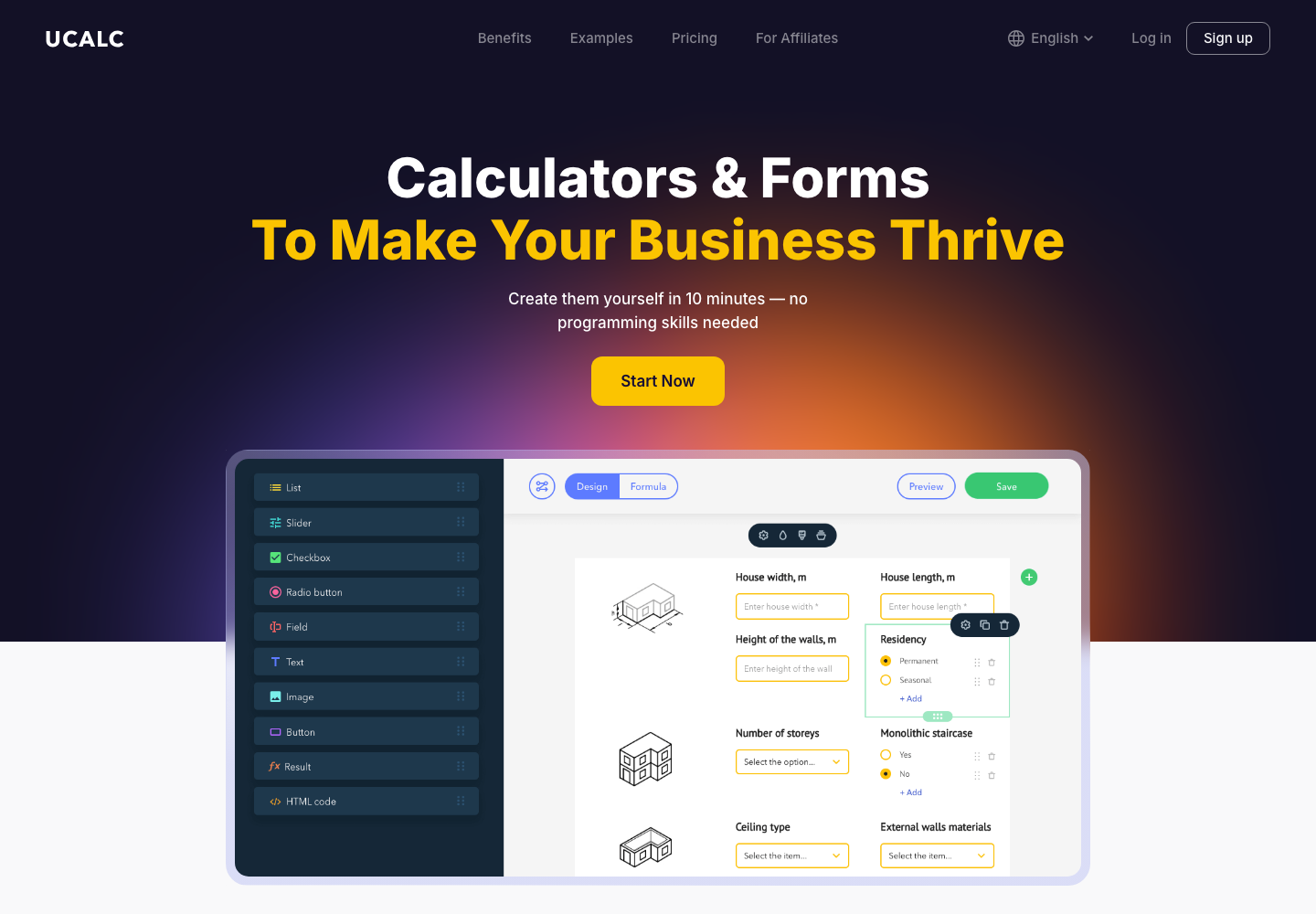
uCalc provides a no-code workspace for building interactive calculators.
uCalc is a practical no-code option for combining questions, formulas, conditional logic, and lead capture. A coach can create different paths for different answers, calculate a range, and embed the finished calculator on an existing website. The important work is not decorating the widget; it is translating the coaching method into a small set of fair, understandable decisions.
For example, an executive coach might ask about role, team size, and the outcome the visitor wants in the next 90 days. A conditional branch can show a suggested focus—leadership, communication, or transition—and then invite the visitor to request a tailored conversation. A consultant can capture the result and the answers alongside the contact details, subject to clear consent and a useful privacy notice.
Give visitors a result they can use
The result should be more than “Thanks, we will be in touch.” Offer a short interpretation, a next step, and a sensible caveat. A budget estimate can be a range rather than false precision. A readiness score can include two practical actions the visitor can take this week. A package suggestion can explain what it includes and who it is not for. When people receive value immediately, the lead capture feels like an exchange rather than a gate.
Turn the result into a better discovery call
Send the coach a compact summary: the visitor’s answers, calculated result, selected path, and any question they volunteered. Use that information to open the call with relevance instead of repeating the form. “You mentioned that the team doubled and that delegation is the current bottleneck” is a much stronger beginning than “Tell me about yourself.” The calculator has done its job when it improves the conversation, not when it produces the highest possible submission count.
Keep the human decision at the center
A calculator should support judgment, never replace it. Avoid diagnostic claims, guarantees, or pressure based on a score. Give visitors a way to ask a question, correct an answer, or skip the tool and book directly. Test every branch on mobile, make the result accessible, and review the questions as the coaching offer evolves.
The best path is simple: offer a small moment of clarity, collect only useful context, and make the next human step easier. An interactive calculator can qualify coaching leads before a discovery call while respecting the fact that meaningful change still begins with a real conversation.
Improve the tool with real conversations
Launch the first version as a learning instrument. Watch where people abandon the flow, which answer choices cause confusion, and whether the result leads to the right kind of enquiry. Ask a few clients whether the questions sounded natural and whether the recommendation matched their situation. Small wording changes can improve completion more than adding another formula.
Keep a direct route for visitors who already know what they need. The calculator is an invitation, not a barrier. A clear “Prefer to talk first? Book a call” option protects accessibility and respects different buying styles. Over time, compare calculator-assisted calls with ordinary enquiries and refine the questions around the conversations that produce the best outcomes.
Use the answers to prepare, not to judge. A result can suggest a useful starting point while leaving room for nuance, different circumstances, and a coach’s professional judgment. That balance keeps the tool helpful and protects the trust that makes the eventual conversation worthwhile. It also gives the visitor a clear reason to continue.
The conversion path continues after a visitor submits a form.
A coaching website does not finish its job when someone clicks Submit. That action starts a customer journey. The visitor may expect an immediate confirmation, a calendar link, preparation notes, a useful resource, or a thoughtful follow-up after the call. If the email part of that journey is unreliable, a well-designed website can still lose the opportunity it created.
A form is only the beginning
Think of the handoff in stages: Website → Lead → Email validation → Confirmation or follow-up → Deliverability check → Client conversation. Each stage has a small failure mode. The form can collect an incomplete address. The confirmation can land in spam. A follow-up can be sent too late or without the context the prospect provided. Treating the chain as one system makes those gaps easier to find.
Start by deciding what should happen after each meaningful action. A discovery-call request might receive a confirmation with the selected service, a scheduling link, and one sentence about what to prepare. A download might trigger a short educational sequence. A quiet newsletter invitation should set expectations about frequency. Clear, useful messages feel personal even when they are automated.
Validate the address before it enters the pipeline
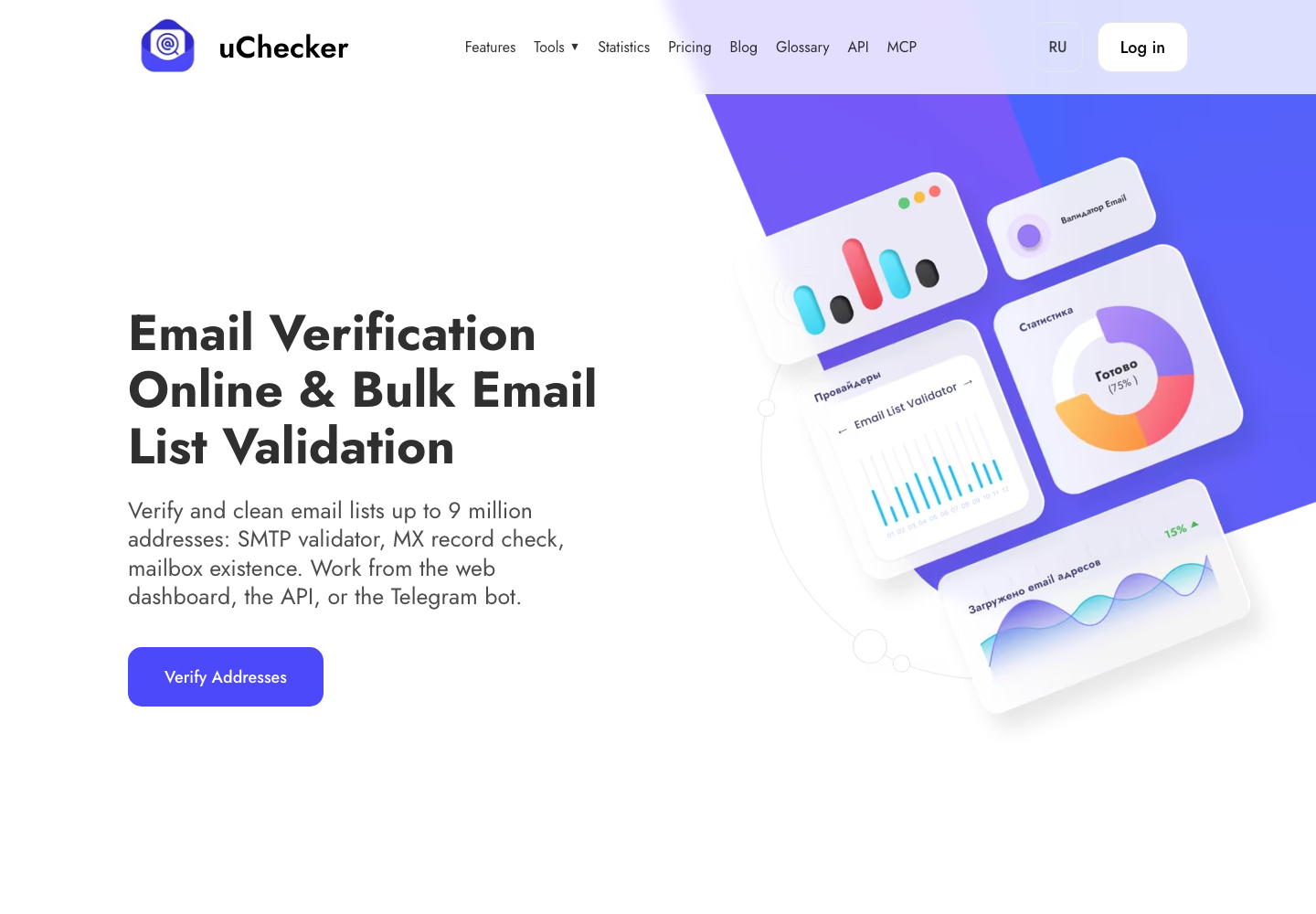
An accidental typo or a disposable mailbox can break the journey before the first message is sent. uChecker helps check an address at several levels: syntax, domain and DNS/MX records, and the mailbox itself through an SMTP conversation. That does not replace good form design or consent, but it gives the team a chance to catch an unusable address while the visitor is still present.
Validation is especially helpful when the form asks for a work email. A coach can show a gentle correction message instead of silently storing a lead that can never receive the promised material. Keep the experience respectful: explain why the check is useful, avoid exposing technical details, and never use validation as a reason to send unsolicited mail.
Your confirmation email still needs to arrive
uChecker checks an address before it enters the follow-up sequence.
A valid recipient does not guarantee successful delivery. The sending domain needs aligned SPF, DKIM, and DMARC records, a healthy reputation, and message content that does not trigger filters. Before changing an automation or launching a newsletter, use an Email Spam Tester to inspect authentication, headers, blocklists, SpamAssassin-style signals, and other deliverability indicators.
Run the test with the same sending address and template you plan to use in production. Fix the highest-impact warnings first: an absent DKIM signature, a DMARC policy that does not align, a broken unsubscribe path, or a domain appearing on a blocklist. Then send a real test to several inbox providers and read the message on a phone. Technical checks and human review work together.
Build a follow-up sequence that earns the next reply
Good follow-up is not a pile of reminders. It is a small sequence with a purpose. Confirm the request immediately. Send the promised details before the call. Afterward, summarize the agreed next step while the conversation is fresh. If the person is not ready, offer one genuinely useful resource and a low-pressure way to return. Every message should make the next action obvious without sounding urgent for urgency’s sake.
Measure the handoff, not only the form conversion. Track valid-email rate, confirmation delivery, replies, booked calls, and unsubscribes. A lower number of raw leads can be a better result if more of them reach a real conversation. Review the sequence whenever the offer, sender, calendar, or consent language changes.
The website creates the contact; the system keeps it
The strongest coaching websites connect design and operations. A clear form captures the right context, uChecker protects the first handoff, and an Email Spam Tester helps keep outbound messages visible. Together they create a calmer path from interest to conversation—one where the coach can focus on helping instead of wondering whether the email ever arrived.
Make ownership and consent visible
Email follow-up works best when the visitor understands what will happen next. Say who will reply, how quickly, and what kind of messages may follow. Keep marketing consent separate from a service request, provide an unsubscribe route, and store only the information the team actually needs. These details are not legal decoration; they reduce surprise and improve the quality of replies.
Document the system in one page so a future team member can maintain it. Note the form fields, validation rules, sender domain, automation triggers, and the last deliverability test. When a calendar provider or email platform changes, this checklist makes it easier to test the complete path again instead of discovering a broken handoff through a disappointed prospect.
Small operational details matter: use a recognizable sender name, keep the reply-to address monitored, and make the booking timezone obvious. These choices reduce friction for an international audience and make a professional service feel genuinely attentive.
A coaching website works best when its essential pieces are clear and easy to manage.
Coaches and consultants usually need a website to do a focused job: explain who they help, describe their services, answer common questions, show credible testimonials, publish useful ideas, and make it easy to book a conversation. That is a very different requirement from building a custom web application. For this kind of project, a website builder is often the more responsible business decision.
Start with the job, not the technology
A custom build can be impressive, but it also introduces a longer discovery phase, a larger budget, and an ongoing relationship with developers for routine changes. A coach may need to update a package, add a testimonial, publish an article, or change a booking link several times a month. Those edits should not require a development sprint. A builder puts the important controls in the hands of the business owner, while still providing professional templates, responsive layouts, hosting, security, and basic integrations.
Speed has strategic value too. A new coach can launch a credible version of an offer, learn which questions prospects ask, and improve the site from real conversations. Waiting for a perfect custom system can delay that learning. A builder makes it possible to publish a useful first version and refine it as the practice grows.
Why Wix is the universal default
Wix provides a broad website-building ecosystem for coaching businesses.
Wix is our usual first recommendation because it covers a wide range of coaching scenarios without forcing an early platform change. A coach can combine landing pages, a blog, forms, scheduling, payments, email capture, analytics, and other business tools in one ecosystem. Its visual editor also gives a non-technical owner room to adjust sections and messaging without losing control of the design.
That flexibility is useful when a simple brochure site becomes a larger practice. You might add a group program, a resource library, a paid workshop, a newsletter, or a small team. Wix supports that progression while keeping the starting point approachable. The right choice is not the platform with the longest feature list; it is the platform that lets the next sensible step happen without rebuilding everything.
Where uKit fits
uKit is a focused option for simple sites that prioritize ease of management.
uKit is a less popular but attractive alternative for a straightforward website where low cost and simple administration matter most. If the project mainly needs a few polished pages, service descriptions, testimonials, a contact route, and a blog, its focused interface can be enough. Fewer decisions can be an advantage for an independent coach who wants to maintain the site quickly and spend time with clients.
The trade-off is a smaller ecosystem and less room for unusual growth paths. That does not make uKit a poor choice; it means the project should be honest about its likely requirements. A compact coaching practice may value simplicity more than an extensive app marketplace.
uKit AI for an older website
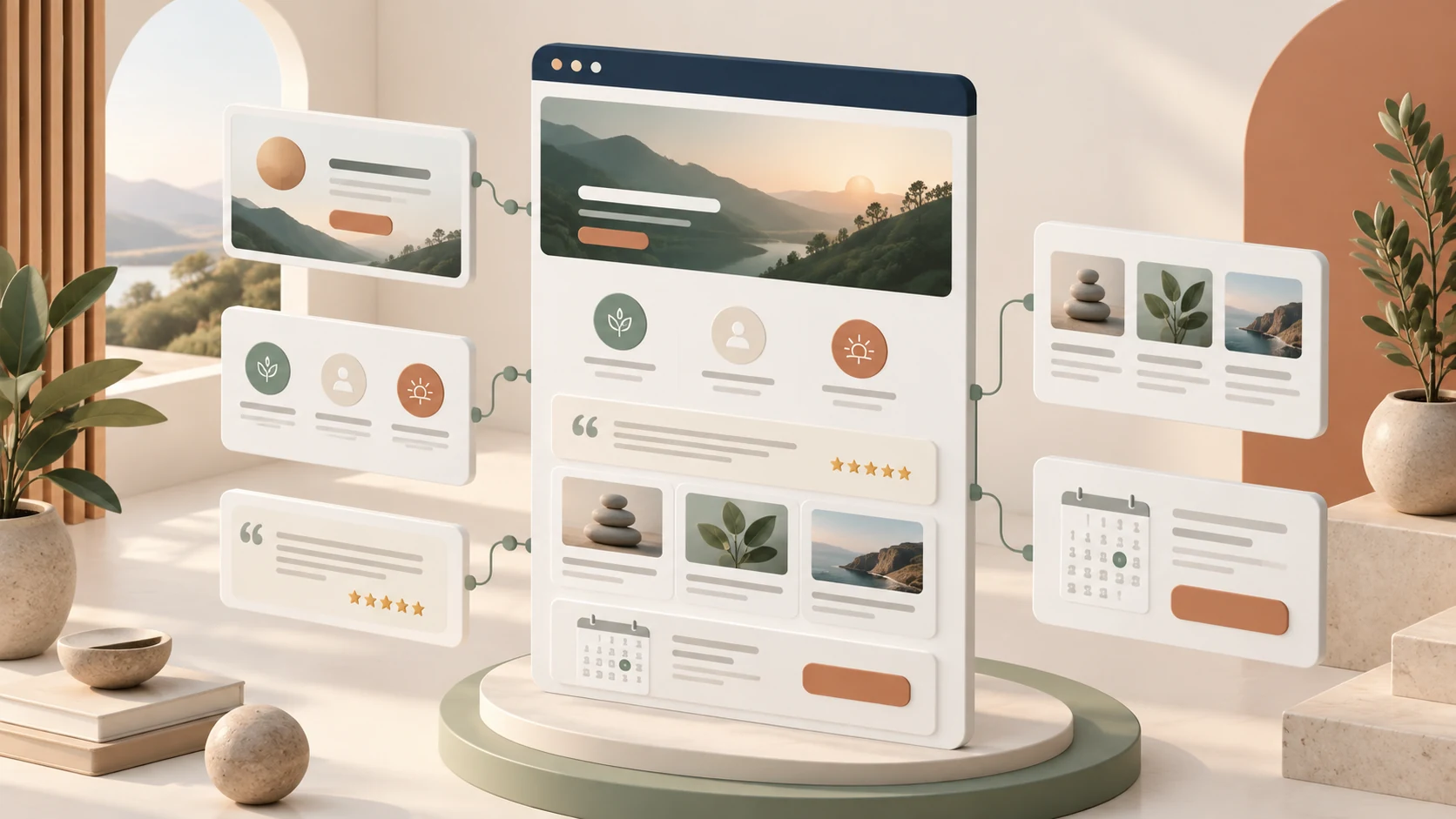
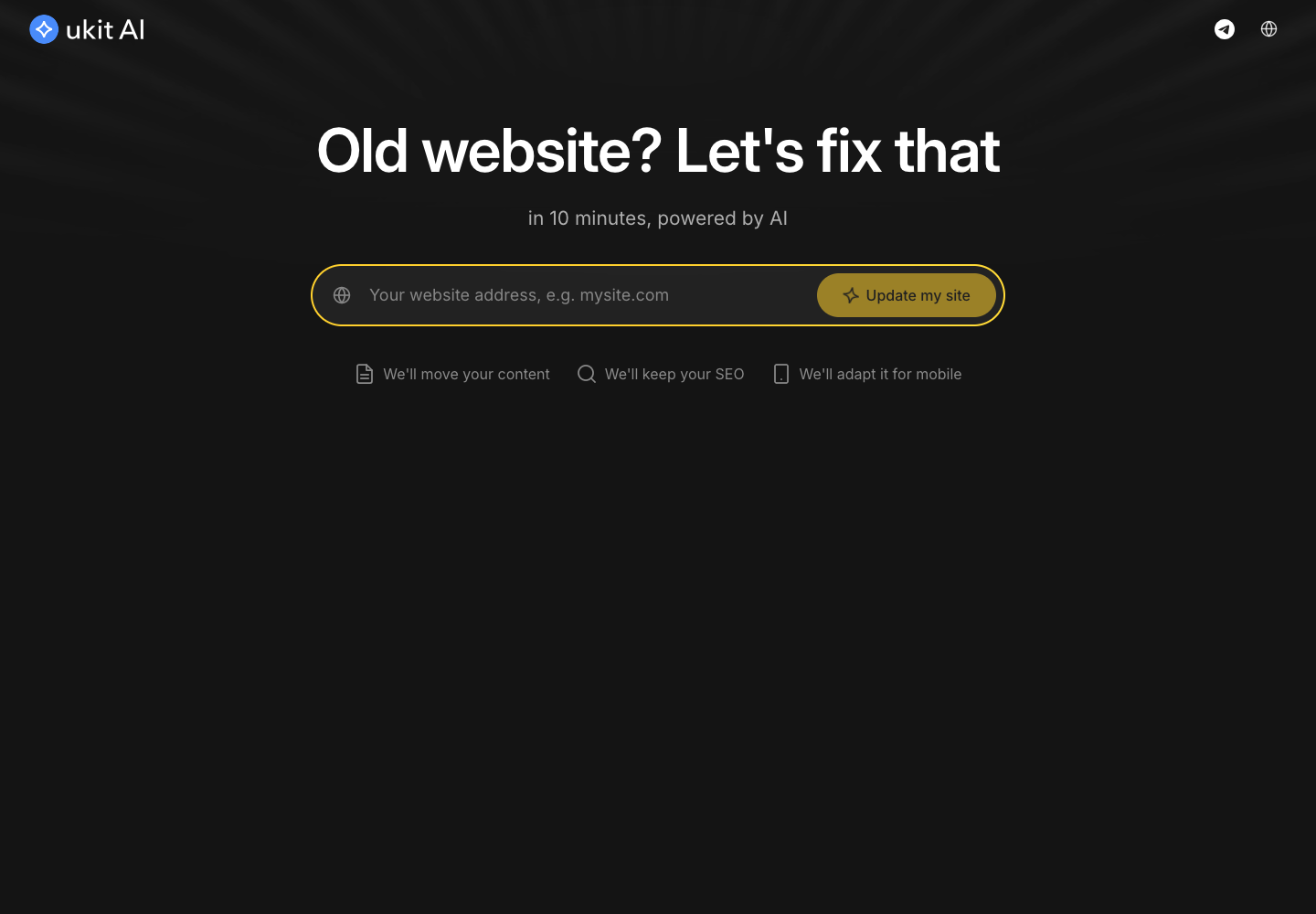
uKit AI can help start a redesign from an existing website.
uKit AI is also useful when the starting point is an existing, dated website. It can work from an old site address and help create a refreshed structure, which makes it relevant to migration and modernization, not only to brand-new projects. The owner still needs to review the copy, images, forms, and links, but the tool can reduce the blank-page problem and provide a faster route to a cleaner first draft.
When custom development becomes worthwhile
A builder stops being the best fit when the website needs complex custom logic, a non-standard integration, a highly specialized member workflow, or functionality closer to a full web application. At that point, a custom engineering budget can be justified because the unusual requirements create real competitive value. Until then, the builder keeps attention on positioning, content, trust, and conversations—the things a coaching website is meant to support.
In short, the practical path is to use Wix for the broadest flexibility, consider uKit when simplicity and price dominate, and use uKit AI when an old site needs a modern starting point. Choose custom development when the business truly needs software, not merely a clear place on the web.
A practical decision framework
Before choosing a platform, write down the smallest version of the website that would help a real prospect take the next step. List the pages, the booking method, the content you can maintain, and the integrations you already pay for. Then ask what is likely to change in the next year. This exercise often reveals that flexibility is valuable, but complexity is not. It also gives a designer a clear brief and prevents a platform comparison from becoming an abstract technology debate.
Budget the whole ownership experience, not only the launch. Include hosting, domain renewal, scheduling, email, accessibility improvements, backups, and the time someone will spend making edits. A builder is especially practical when the person closest to the offer can make those edits safely. A tidy workflow for adding a case study or changing a call-to-action can save more money than a lower initial quote.
A coaching or consulting website should not be built only around what the expert wants to say. It should also reflect what potential clients need to understand before they feel ready to book a call.
Client feedback helps you see your services from the outside, notice unclear points, and shape your website around real questions instead of assumptions.
Why Feedback Matters Before Website Planning
Independent experts know their work deeply, but that knowledge can make website planning harder. It is easy to skip explanations that a new visitor still needs. Feedback helps uncover these questions before the website is written.
What Coaches Should Ask Before Building a Website
What problem were you trying to solve when you started looking for support?
What made you trust a coach or consultant enough to book a call?
Which part of the service was unclear before the first conversation?
What information would you want to see on a website before contacting an expert?
Which words would you use to describe the result you wanted?
These answers can help shape the homepage, about section, service descriptions, booking page, and FAQ.
Using Survey Ninja for Simple Client Research
Tools like Survey Ninja can help a coach or consultant collect structured feedback without building a complex research system. The most useful surveys are usually brief and focused: create a survey, ask focused questions, collect responses, and use the insights to improve your website content.
Turning Feedback Into Website Sections
If people often ask who your coaching is for, your homepage needs a clearer audience statement. If they ask what happens after booking, your website needs a process section. If they are unsure what packages include, your services page needs better descriptions. If they want proof, testimonials and client outcomes should be easier to find.
Feedback Can Improve Your Booking Path
Visitors should know what happens when they click the button, whether the first call is free or paid, how long it takes, and what they should prepare. Feedback can show where people hesitate and where the next step feels vague.
A Clear Website Starts With Listening
At CoachSite Method, website planning starts with clarity: who you help, what you offer, how your process works, and what a visitor needs to know before taking action. Before investing in design, ads, or new content, ask what potential clients need to understand before they trust this offer.
Final Thoughts
A coaching website should be informed by the questions, doubts, goals, and language of the people it is meant to serve. Simple feedback collection can make the website more useful, more specific, and easier to act on. The result is not just a nicer website. It is a website that speaks more directly to future clients.
Many coaches and consultants start promotion too early. They post on social media, run ads, join directories, or send traffic to a booking link before their offer is clearly explained anywhere online.
The problem is not always the traffic source. The problem is often the missing website structure behind it.
If someone clicks your ad, visits your profile, or hears your name from a referral, they need a simple place to understand who you are, what you offer, who you help, and how to take the next step.
Traffic Does Not Fix an Unclear Offer
Paid ads can bring visitors, but they cannot explain your work for you. Social media can create attention, but it often does not provide enough space for a full service explanation.
A coaching or consulting website gives your offer a stable structure. It allows you to explain your method, show your services, describe your process, answer common questions, and guide visitors toward booking a call. Without that structure, traffic may come and leave without action.
Your Website Should Answer Basic Client Questions
Who is this expert?
What kind of client do they help?
What problem or goal do they focus on?
What does the service include?
How does the first conversation work?
What should I do next?
A good website answers these questions calmly and clearly. For coaches, consultants, mentors, and advisors, clarity builds trust.
A Personal Brand Needs More Than a Booking Button
A booking button is useful, but it should not be the whole website strategy. An expert website should include a homepage, an about section, service descriptions, testimonials or proof points, and a contact or booking path. The homepage creates the first impression. The about section builds trust. The services page explains the offer. The booking section gives the visitor a next step.
Why Simple Website Platforms Can Be Enough
Not every coaching or consulting website needs custom development. Practical platforms like uKit can work well for personal expert websites when the site is clean, editable, and well structured. The key is not just the platform. The key is how the website is planned.
What to Prepare Before Promotion
Can a new visitor understand your expertise within a few seconds?
Is your main service easy to find?
Do you explain who the service is for?
Is there a clear next step?
Do your contact and booking options feel visible?
If the answer is no, improving the website may be more important than buying more traffic.
Final Thoughts
A clear website makes every promotion channel stronger. For coaches and consultants, a website is not just an online brochure. It is the structure that helps your expertise become understandable, trustworthy, and easier to act on. Before sending more people to your offer, make sure the offer has a clear home online.